

Insight
Volume tiers: what they mean and how we group pairs
A good average across all pairs can hide weak spots on popular directions. Without a shared traffic split, you cannot tell whether you are winning where quotes concentrate or only on low-traffic pairs.
7-day full access after verification. No payment required to start.
Overview
Teams talk about hot pairs and rare directions, but without one shared definition everyone filters a different list. Volume tiers draw Popular, Mid, and Low-traffic boundaries from market-wide quote activity each day and reuse them across visibility, limits, and position. That shared reference is what BestChange source data lacks: the same tier labels in your standup, on the dashboard, and in pair detail, recalculated when the market shifts.
How we group pairs
Conceptual steps below. Full formulas live in the in-app knowledge base after you sign up.
Step 1
Quote activity, not arbitrary lists
Each day we compare pairs by how much quote activity they see across the whole market. The split follows where attention goes on BestChange, not a static pair list your team maintains in a spreadsheet.
Step 2
Three equal tiers
Popular covers the busiest third of quote activity, Mid the middle third, Low-traffic everything else. Boundaries reset on each snapshot when pairs move in or out of the market.
Step 3
One split across metrics
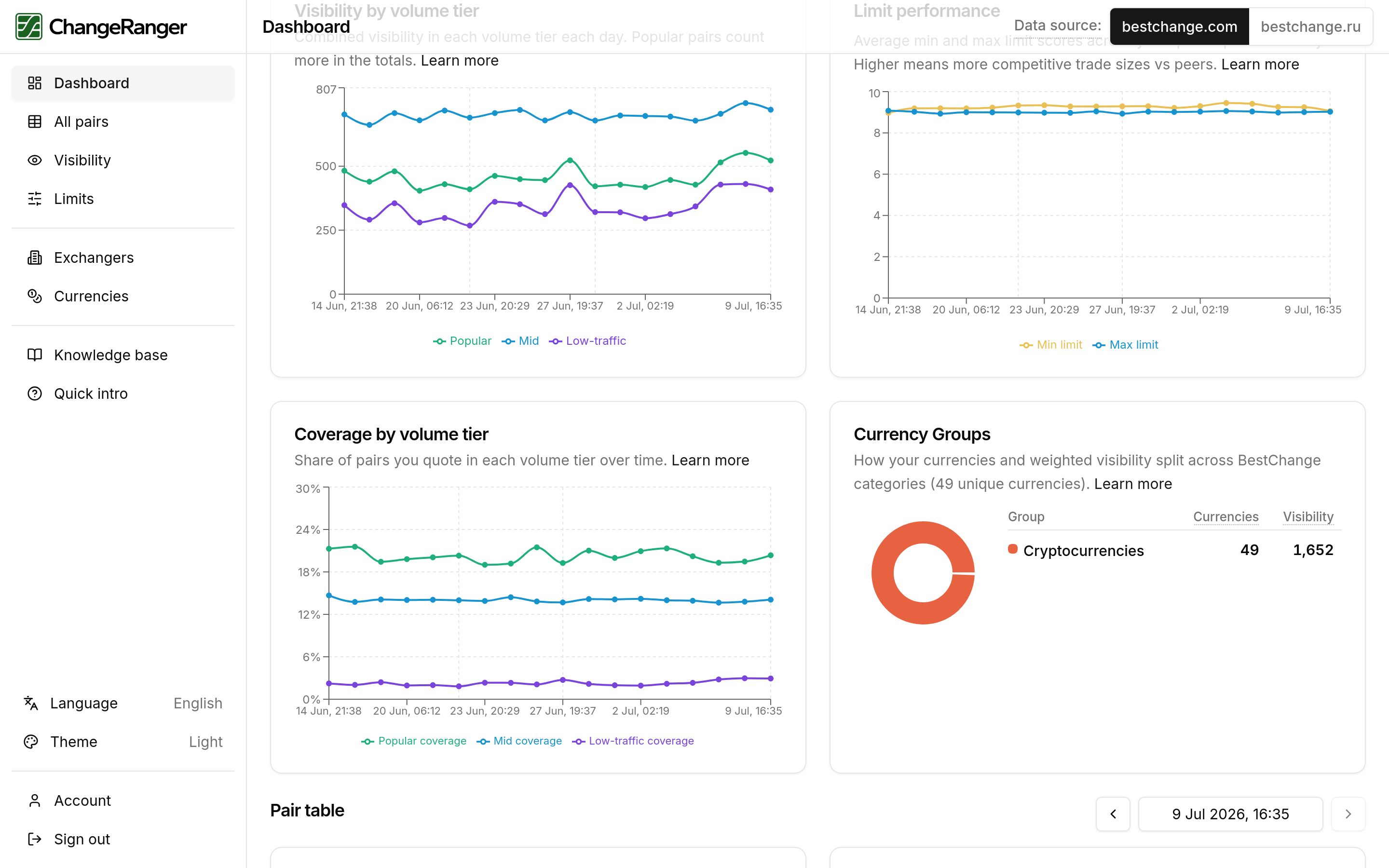
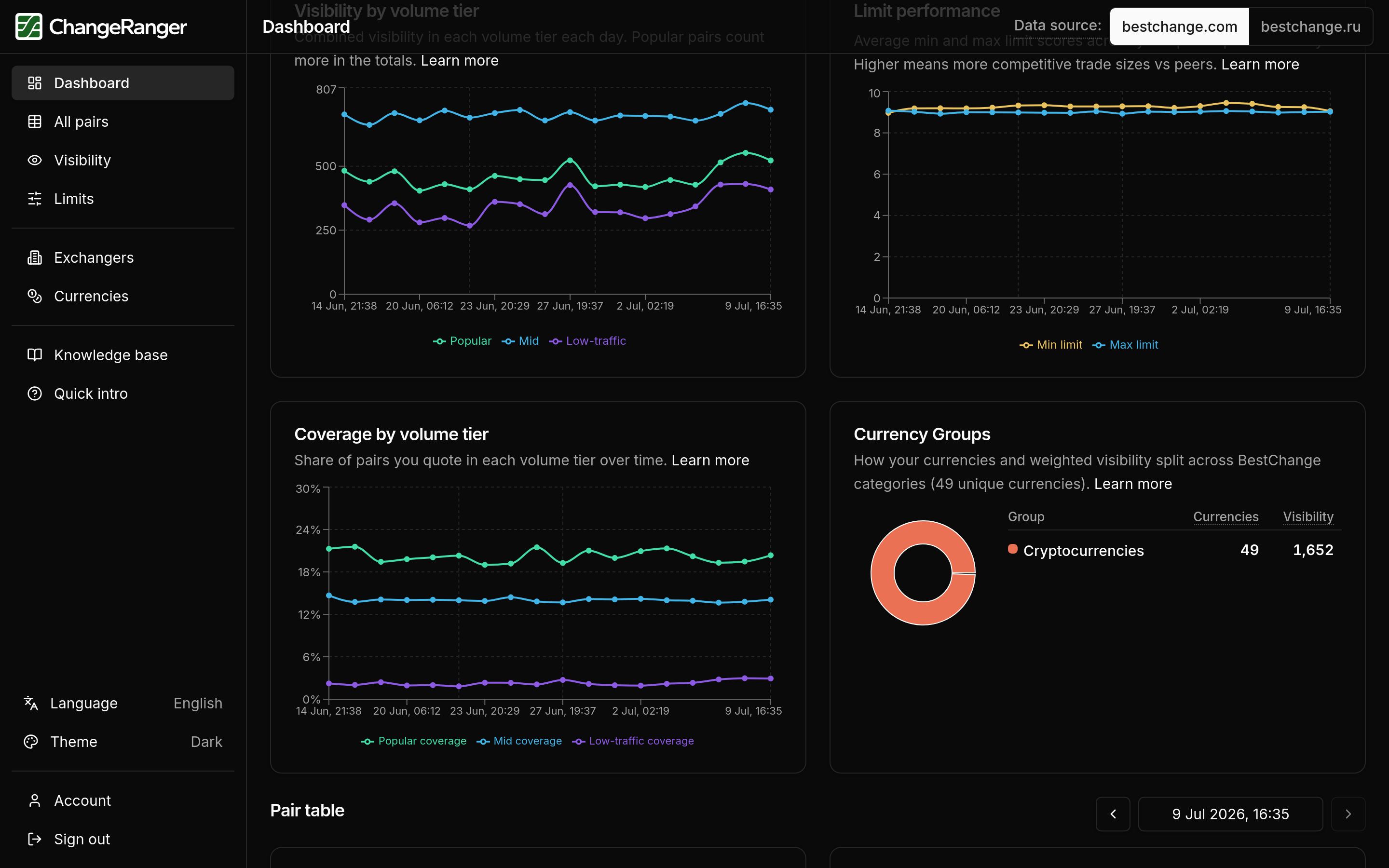
The same tier assignment is used for visibility, limit, and position breakdowns that day. Tier filters on charts and tables all point at identical pair sets, so a Popular-tier visibility drop and a Popular-tier limit review refer to the same directions.
Cut points and quote-activity mechanics are documented in the in-app knowledge base after signup.
What you'll see in ChangeRanger
Dashboard
Tier breakdowns on headline charts.
Visibility and limits pages
Volume tier filters on snapshot and trend views.
All pairs table
Volume and traffic-tier context for filtering.
Related insights
These core metrics build on the same daily snapshots. Explore how they connect.
Visibility
What is our share on popular pairs?
Use combined weighted visibility in a weekly review, sort the all-pairs table to pick which directions need attention first, and read Popular / Mid / Low-traffic splits when you promote in popular segments. Separate decisions for where volume concentrates from low-traffic pairs you keep for coverage.
Read moreLimits
How wide are my limits compared to competitors?
Sort your full listing by min or max rating before a weekly ops review, flag pairs where you trail peers on directions you promote, and use daily charts to see whether a band slipped after competitors moved.
Read moreTry volume tiers on your exchanger
7-day full access after verification. Review Popular, Mid, and Low-traffic tiers on your listing with one shared split across metrics.